All Cards
* On smaller devices swipe left to view hidden table data
| Ribbon/Toolbar (Software) | Button | Function | Error Type | Description | ||
|---|---|---|---|---|---|---|
| Ribbon/Toolbar (Software) | Button | Function | Error Type | Description | ||
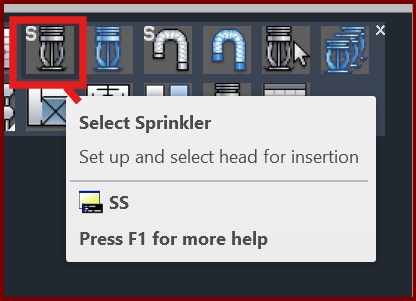
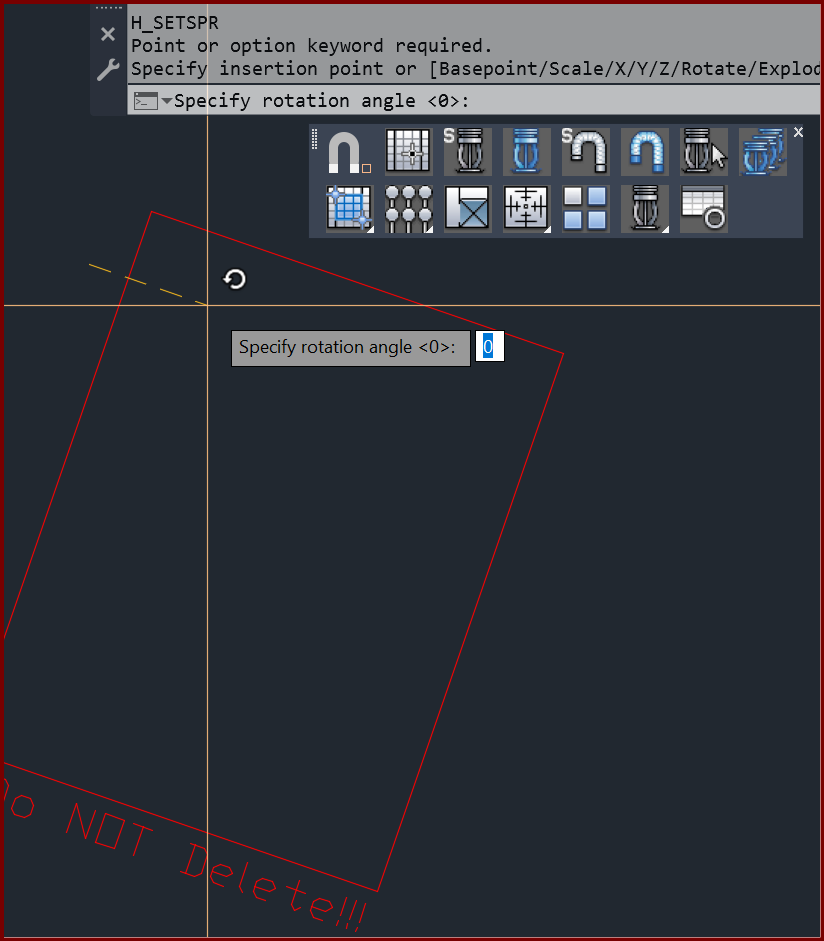
| Card 1435 View | Sprinklers (AutoCAD Based) | Select Sprinkler | None | Point Or Option Keyword Required | When attempting to Select Sprinkler (SS or SSP command), you get the error; Point or option keyword required. Specify insertion point or [Basepoint/Scale/X/Y/Z/Rotate/Explode/REpeat]: Specify rotation angle <0>:
Then your sprinkler definition box will want to be inserted, rotated and each value set individually
|
|
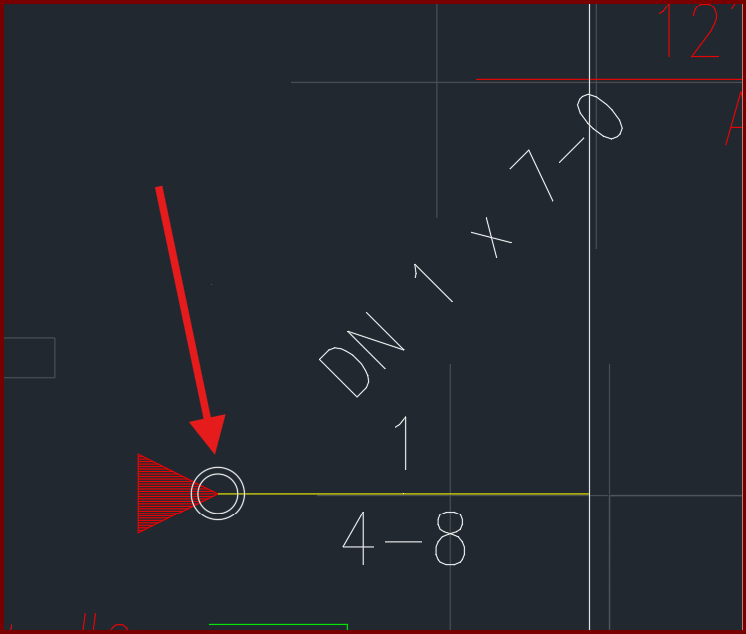
| Card 1434 View | Riser Nipples (AutoCAD Based) | Insert Vertical Pipe | None | None | When inserting a vertical pipe, the circle part of the block remains as a white circle, instead of a red pacman/clamshell.
|
|
| Card 1433 View | HydraCAD (Revit Based) | Import from the latest Toolbox | None | None | When trying to Import from the latest Toolbox, the toolbox does not load properly causing Revit to hang, and you cannot close the window.
|
|
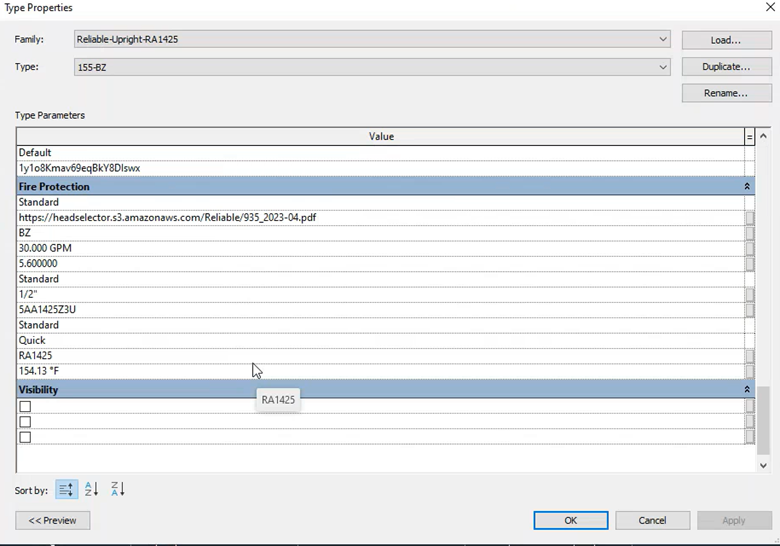
| Card 1432 View | All (Revit Based) | None | None | None | Missing names or values of Sprinkler or Pipe properties in the Properties menu, as shown below.
|
|
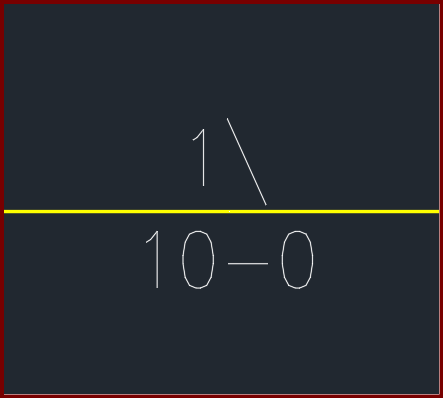
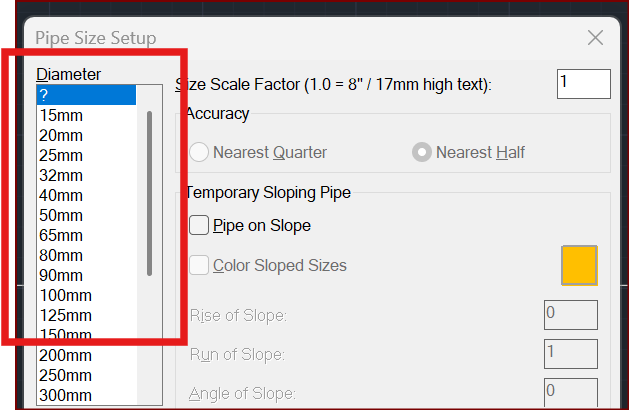
| Card 1431 View | Piping (AutoCAD Based) | Size Pipe Setup | None | None | When trying to size a pipe, the units show up as millimetres/millimeters (mm) instead of inches OR the values for half show up as a backslash
|
|
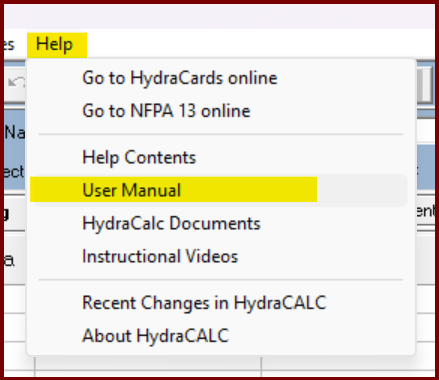
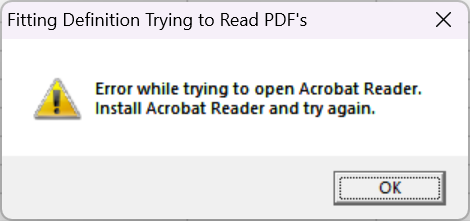
| Card 1430 View | HydraCALC (Standalone) | Help | None | None | When selecting the menu [Help|User Manual], you get the error message; Fitting Definition Trying to Read PDF's Error while trying to open Acrobat Reader. Install Acrobat Reader and try again.
|
|
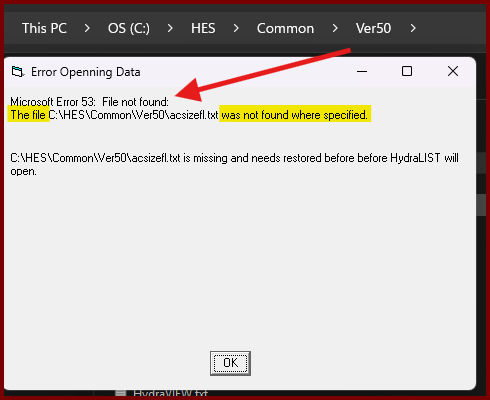
| Card 1429 View | HydraLIST (Standalone) | Open | Opening | Error 53 | When attempting to open HydraLIST after a fresh install, you get the error; [[ Error Openning (sic) Data ]] Microsoft Error 53: File not found The file ??? was not found where specified "filenamehere is missing and needs restored before before HydraLIST will open" 🤦
|
|
| Card 1428 View | HydraCALC (Standalone) | None | None | No Flow On Calc's Remote Point Node | Running calc displays this error: Please confirm your Remote Point reference point has a k-factor or flow and pressure |
|
| Card 1427 View | HydraLIST (Standalone) | Process | None | None | When processing a stock list, the SldReports window reports, "could not find part number for the given pipe type" Move the window to reveal the Processing Reports window where you'll see which section ID it's having problems with
Clicking OK will report others with similar issues, the process will not complete. |
|
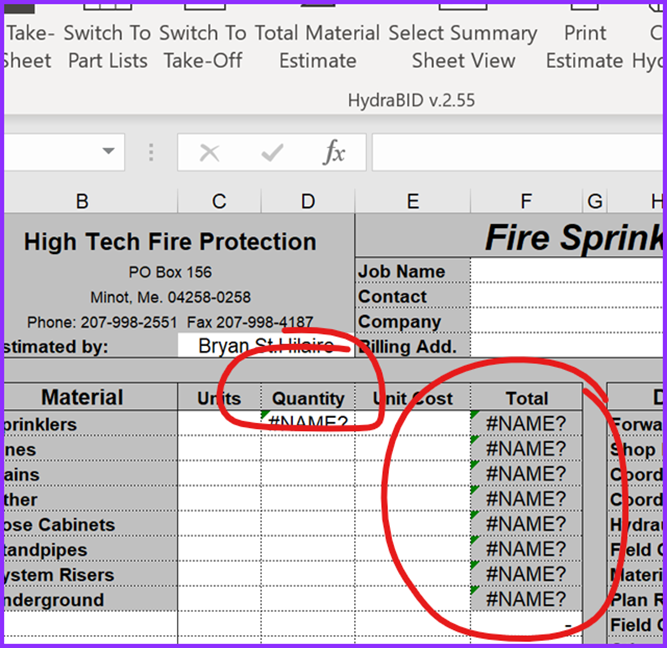
| Card 1426 View | HydraBID (Standalone) | None | None | None | Certain cells in the HydraBID summary sheet were displaying #NAME?
instead of expected totals. |
|
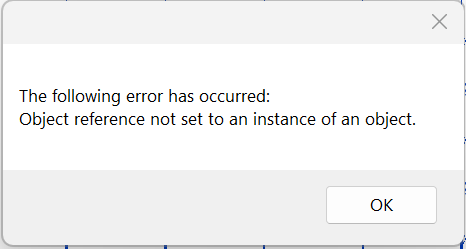
| Card 1425 View | HydraCAD (Revit Based) | Cleanup Tags | None | None | When trying to use Cleanup Tags, this error appears and nothing else happens (i.e. the tags were not cleaned up)
|
|
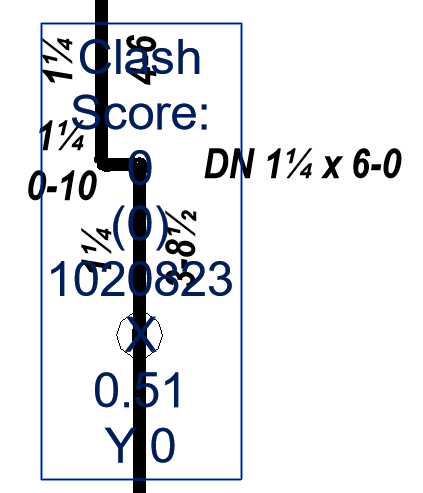
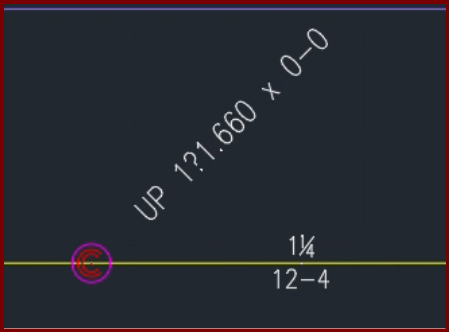
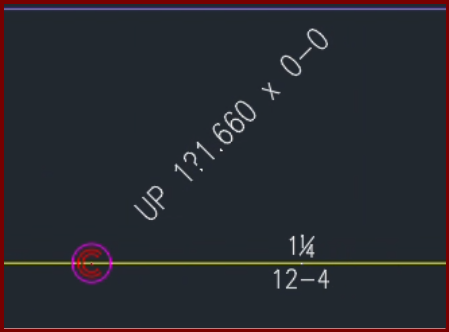
| Card 1424 View | Riser Nipples (AutoCAD Based) | None | None | None | When inserting a vertical pipe/riser nipple with a fraction in the diameter you get atypical results
The fonts for fraction symbols ¼ (quarter), ½ (half), or ¾ (three-quarters) are replaced with ?.840, ?1.050, and ?1.660 |
|
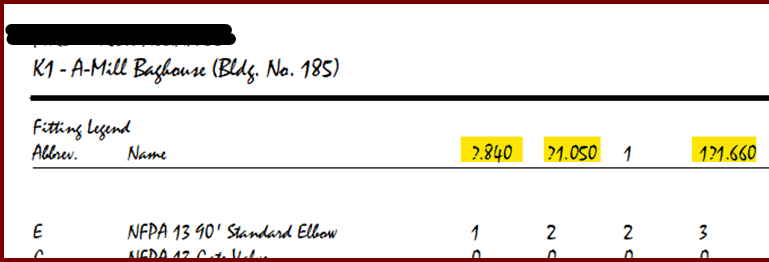
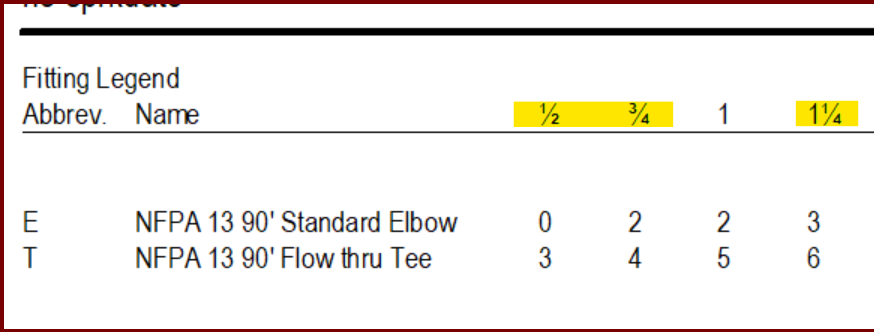
| Card 1423 View | HydraCALC (Standalone) | Print Final | None | When printing a final calculation, the font doesn't show fraction symbols for ¼ (quarter), ½ (half), or ¾ (three-quarters) They're replaced with ?.840, ?1.050, and ?1.660
These should look like this;
Of note, if using HydraCAD for AutoCAD, you get similar results on riser nipples/vertical pipes
|
||
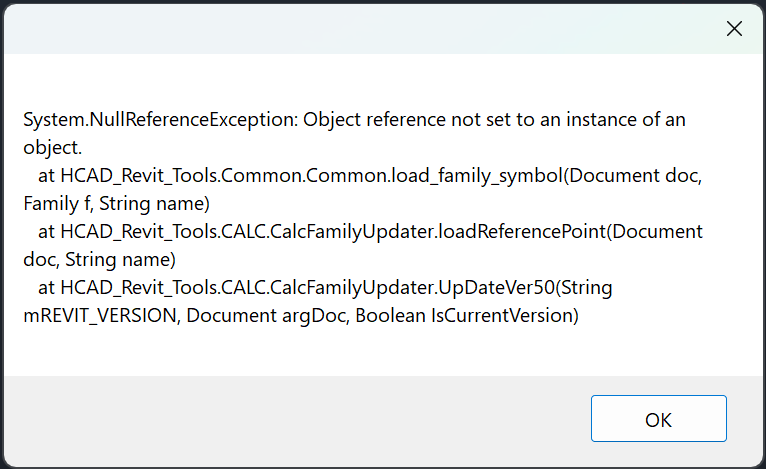
| Card 1422 View | HydraCALC (Revit Based) | All Ref Points | None | System.Nullreferenceexception: | When trying to add reference points, none are added and this error shows:
|
|
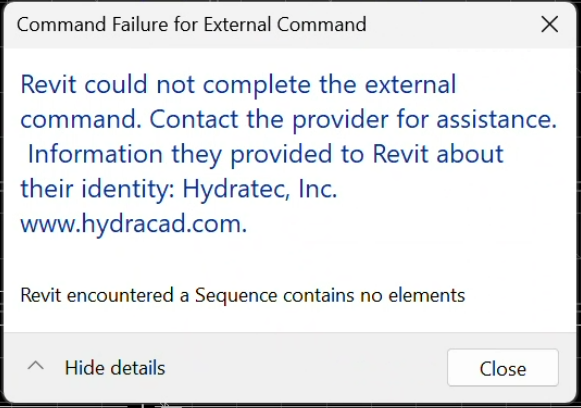
| Card 1421 View | HydraCAD (Revit Based) | Spacing and Layout | Pick ... | None | When trying to select Pick Light, this error shows... Sequence contains no elements
|
|
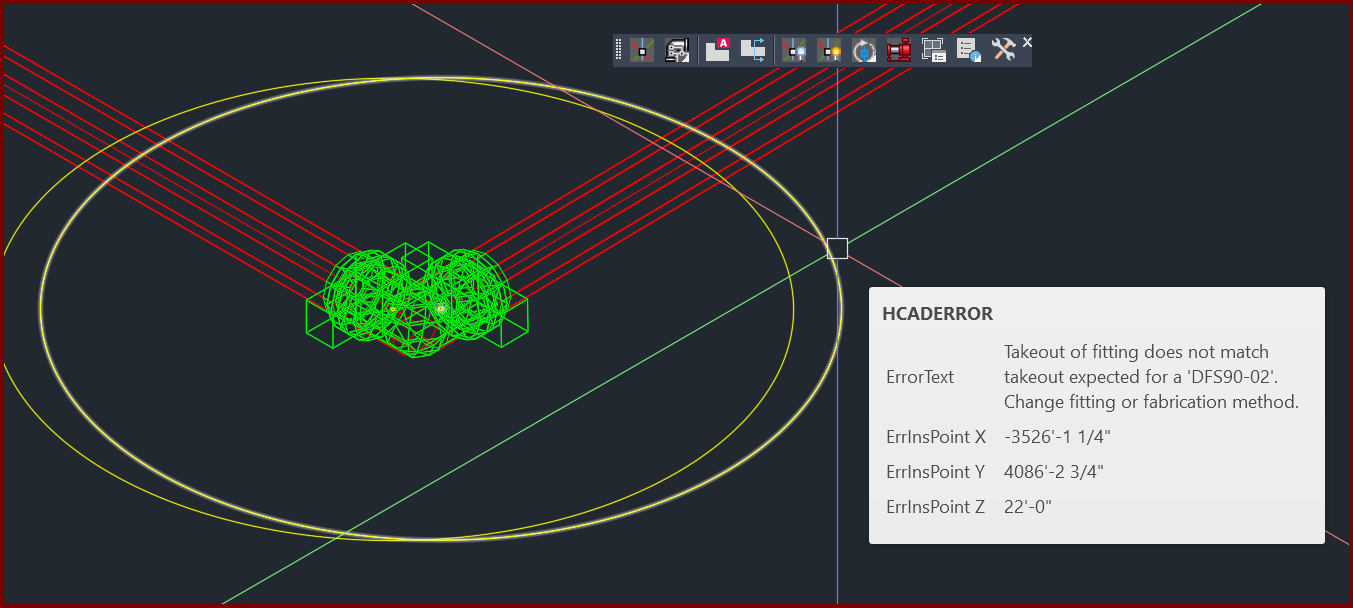
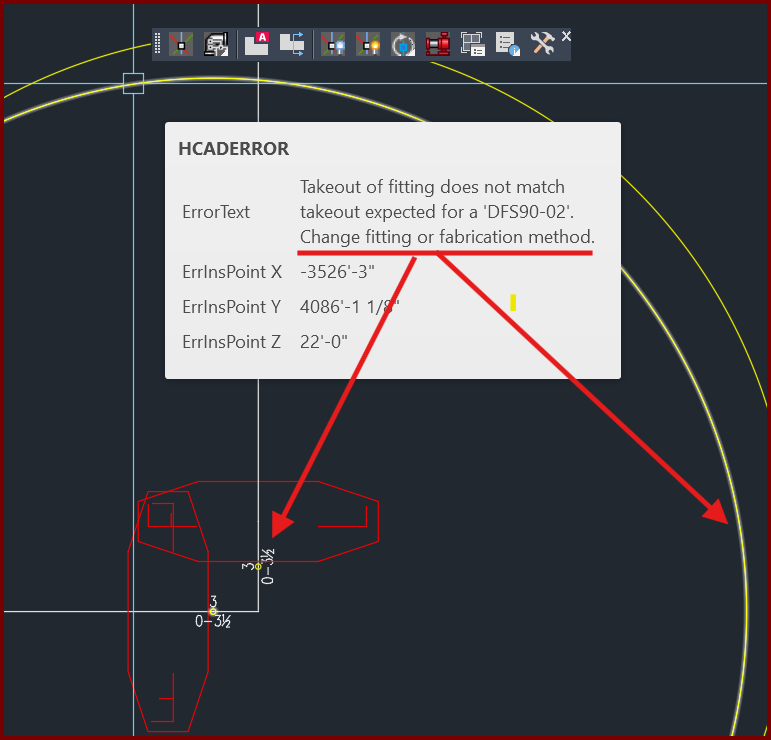
| Card 1420 View | 3D Modeling (AutoCAD Based) | 3D Modeling Options | None | Takeout Of Fitting Does Not Match | When raising to 3D (S3D command), you get a yellow circle with the message "Takeout of fitting does not match takeout expected for a "??????". Change fitting of fabrication method"
|
|
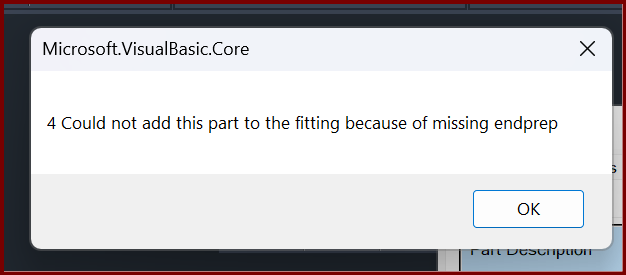
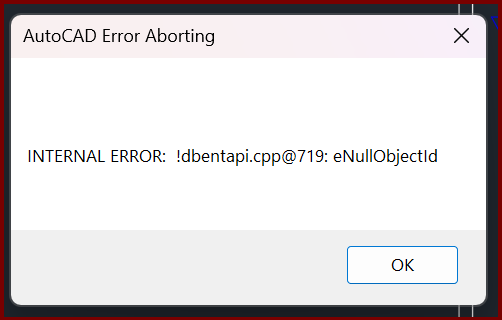
| Card 1419 View | Build 3D Risers (AutoCAD Based) | Insert Fitting Via Parts Tree | None | Internal Error | When trying to insert a specific fitting, you get the error Could not add this part to the fitting because of missing endprep
then; AutoCAD Error Aborting INTERNAL ERROR: !dbentapi.cpp@719: eNullObjectld
|
|
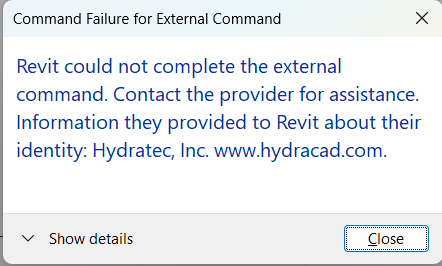
| Card 1418 View | Collaborate (AutoCAD Based) | Create Revit Mep Link To System Model | None | Revit Could Not Complete The External Command. | When Retrieving MEP content an error occurs. This is caused by a bad heads in the HydraCAD for AutoCAD project.
Command Failure for External Command
|
|
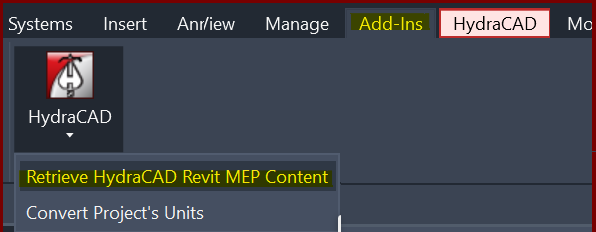
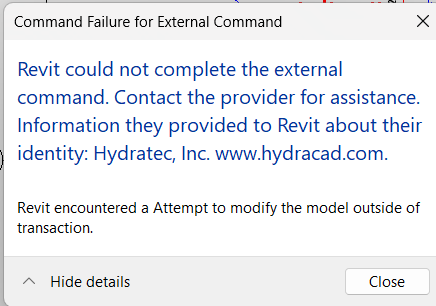
| Card 1416 View | Add-Ins (Revit Based) | HydraCAD | Retrieve HydraCAD Revit MEP Content | Revit Could Not Complete The External Command. | When Retrieving MEP content this error occurs... Revit encountered a Attempt to modify the model outside of transaction
|
|
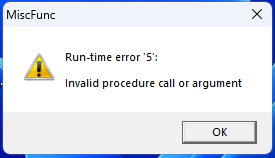
| Card 1415 View | HydraCALC (Revit Based) | Hydraulic Calculations | Continue | None | Calc process stops at step 1a.4 and Runtime Error 5 displays
|
|
Page: