Need to save a card for later?
Create a bookmark folder in your browser of choice (Chrome, Firefox...), and save individual cards in your bookmarks to view here later.

AutoCAD Based Piping (Ribbon/Toolbar/Location)
Description:
Error occurs when using some commands.
Autodesk has released AutoCAD 2025.1.4 & 2026.1.2 updates which breaks HydraCAD. It includes a major programming change by Autodesk that will require a lot of work and a large update by us. That update is being worked on right now, along with a version of HydraCAD for AutoCAD 2027. All are now affected by essentially the same programming change.
BinaryFormatter serialization and deserialization are disabled within this application. See https://aka.ms/binaryformatter for more information.
Other commands with this error;
Sprinkler Layout dialog (SL command)
Default Dialog Location (DDL command)
Unhandled Exception has occurred

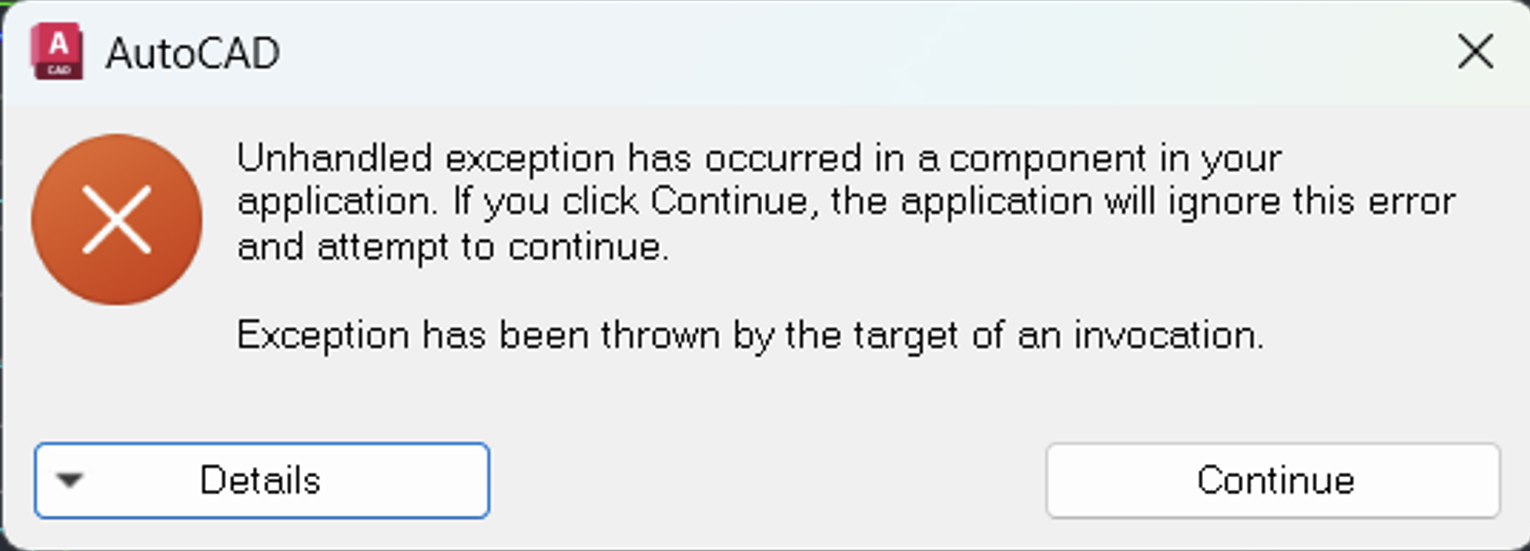
What not to do?
What to do?
This does NOT work:
Autodesk says they provide an option to download the original/pre-updated version.
1. Select 'Specific Version'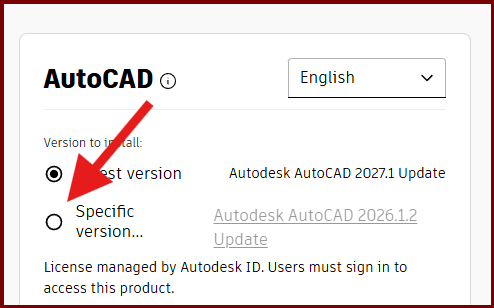
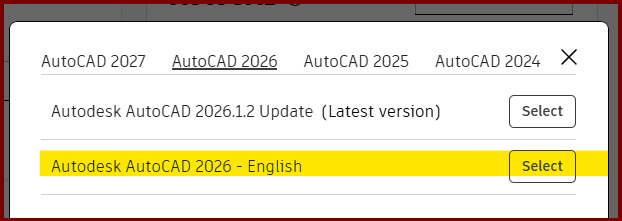
After installing "the old" version, upon opening AutoCAD, it still showed 2026.1.2
Thanks for trying Vasyl D