Need to save a card for later?
Create a bookmark folder in your browser of choice (Chrome, Firefox...), and save individual cards in your bookmarks to view here later.

AutoCAD Based Calculations (Ribbon/Toolbar/Location)
Description:
Unkown (sic) Unknown fitting in drawing, cannot continue
Type SME at the command line to open 'Show Model Errors' dialog box
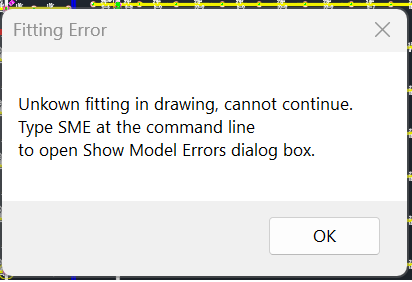
Unknown fittings/pipes within connected pipe or floating out in space
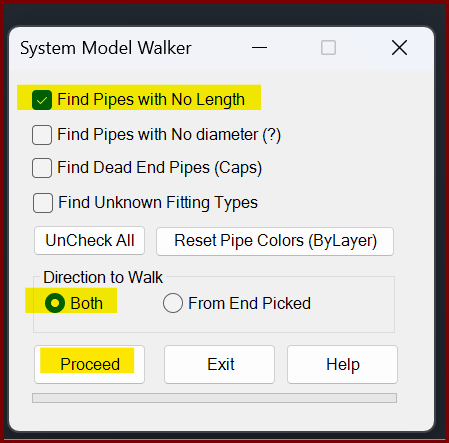
While in 3D, type WMD then select 'find unknown fitting types'
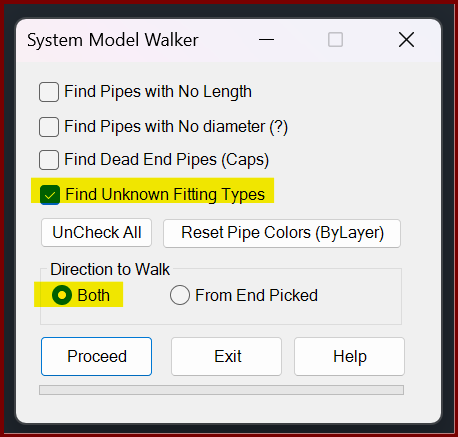
Click PROCEED then select any pipe in your system, all the connected pipes should turn blue. Click Exit when complete
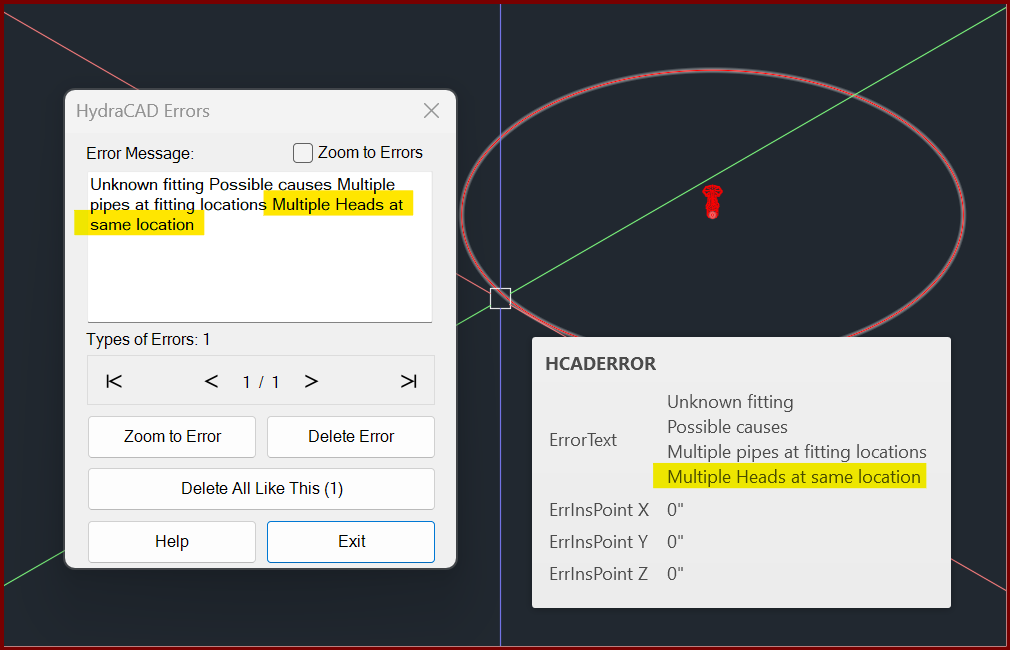
Type SME and search for the found errors. In this case, multiple sprinklers were inserted on top of each other and were floating out in space.
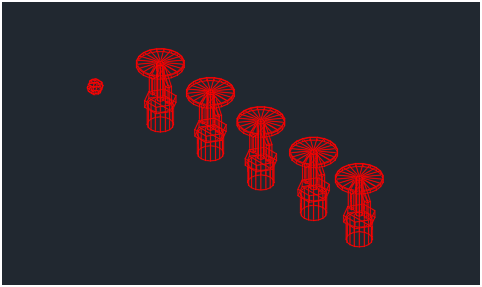
Erase the objects then try the AutoCALC again.
0-0 vertical pipe length
Make sure the drawing has been raised to 3D and ensure no errors are showing vertical pipe lengths of 0-0. While in 3D, use the WMD command and select 'find pipes with no length'
Duplicate pipes or sprinklers drawn on top of themselves tricks AutoCalc into thinking it should find a different fitting shape at that intersection
Run CHECKUPS - this will run OVERKILL automatically