Advanced Search
Total results: 1328
* On smaller devices swipe left to view hidden table data
| Ribbon/Toolbar (software) | Button | Function | Error Type | Description | ||
|---|---|---|---|---|---|---|
| Ribbon/Toolbar (software) | Button | Function | Error Type | Description | ||
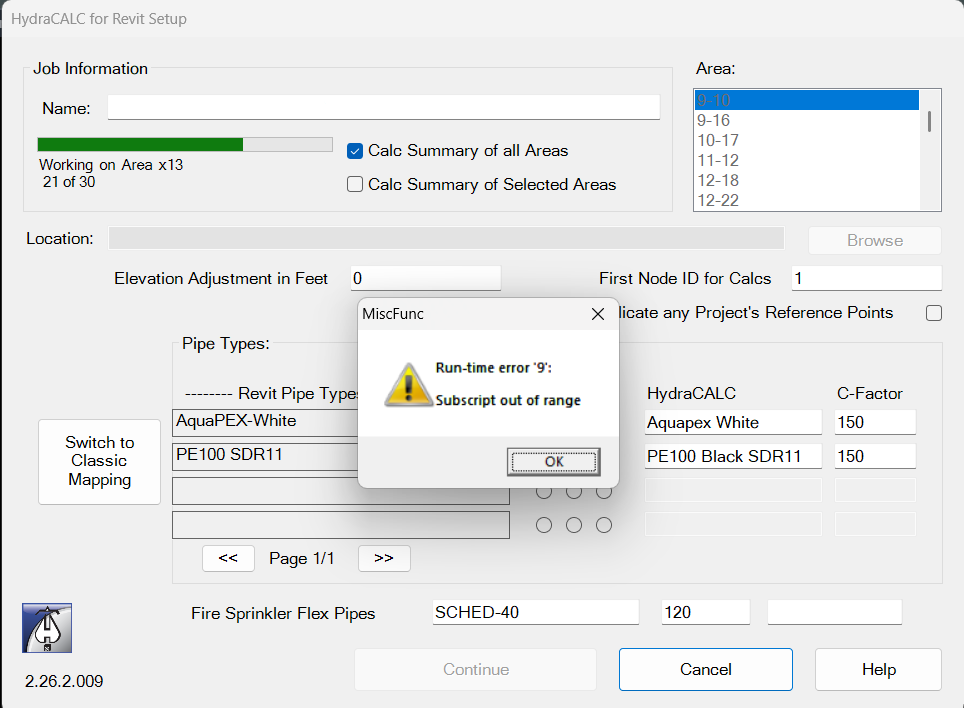
| Card 1442 View | HydraCALC (Revit Based) | Hydraulic Calculations | Continue | None | Run-time error 9: Subscript out of range Area 21 of 30
|
|
| Card 1216 View | 3D Modeling (AutoCAD Based) | Persistent Model | None | None | When viewing your Persistent Model drawing, you see the clamshells/Pacman/bracket for the riser nipples/vertial pipes
|
|
| Card 1441 View | Installation (Revit Based) | None | None | None | Using HydraCAD buttons cause errors like Loading Shared Parameters for Pipes Failed.... |
|
| Card 135 View | Calculations (AutoCAD Based) | Start Autocalcs | None | None | During the AutoCALC process, it gets hung up at step 5a.3b. Re-Ordering Pipe Paths - Phase 2
|
|
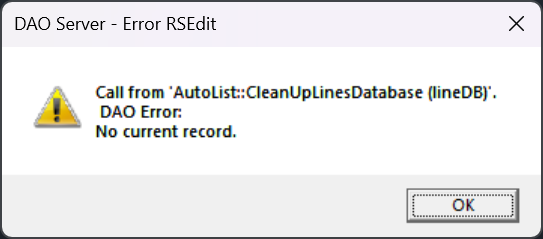
| Card 169 View | Listing (AutoCAD Based) | Start Autolist | None | Dao Error | While running AutoLIST, the process hangs when cleaning up lines database
DAO Server - Error RSEdit Call from 'AutoList :: CleanUpLinesDatabase (lineDB)'. DAO Error: No current record.
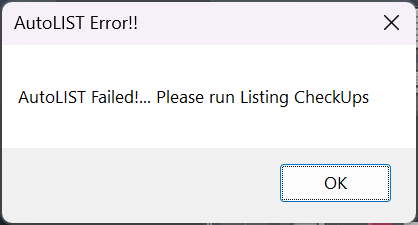
Then followed by the AutoLIST Failed! Please run Listing Checkups
|
|
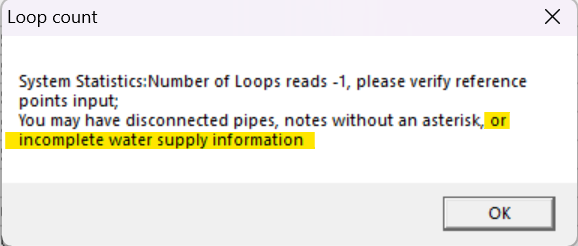
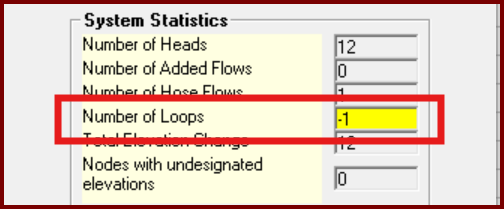
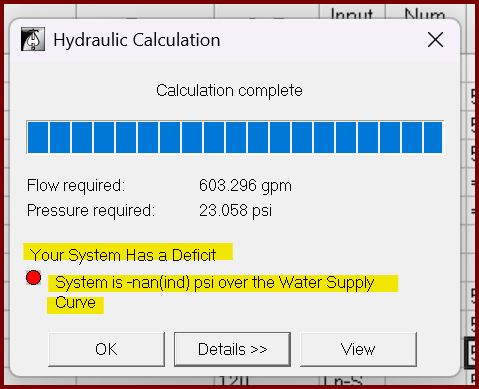
| Card 1438 View | HydraCALC (Standalone) | Calculate | Calculation Results | None | When running a calc, you first get this error indicating a number of possibilities.
Then the Pre-calc Questions window pops up with a warning.
But you go ahead with the calculation anyway and get this result Your System Has a Deficit System is -nan(ind) psi over the Water Supply Curve
|
|
| Card 267 View | 3D Modeling (AutoCAD Based) | Switch To Edit Mode | None | None | Vertical pipe issue. Switching back to Edit Mode (S2D) leaves HydraPipes in Hydrapipe layer. Then when trying to show system model again (S3D) you get an AutoCAD message box "Please Switch to Edit Mode" |
|
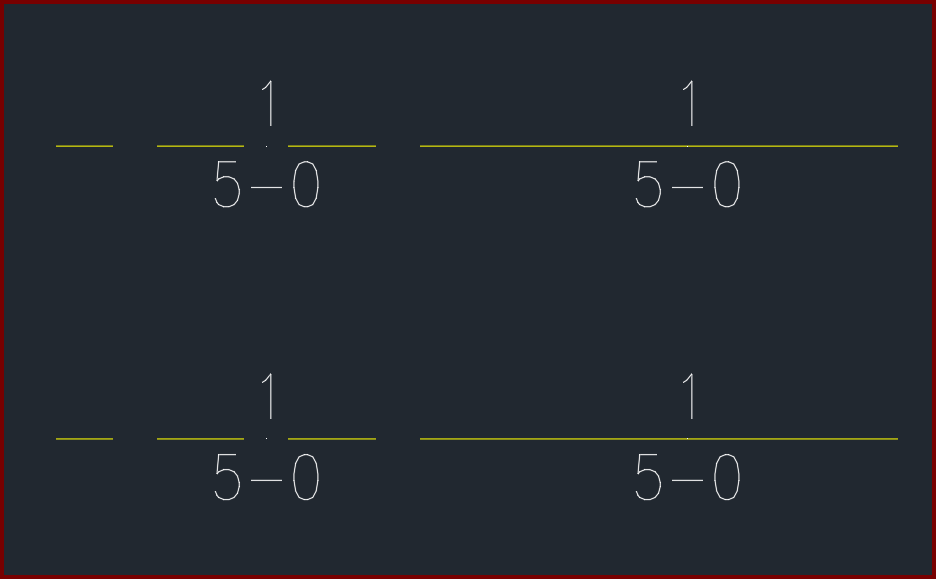
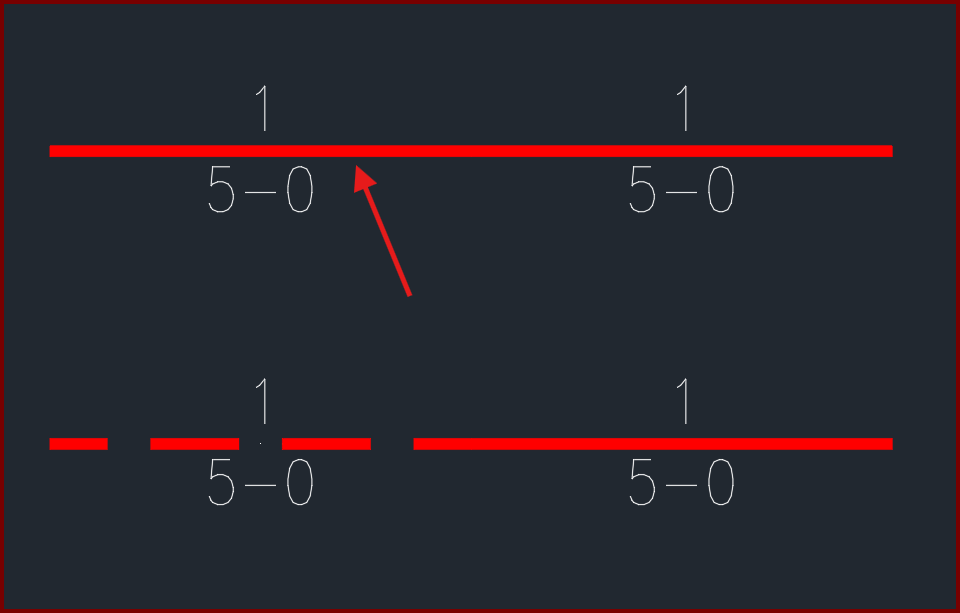
| Card 1436 View | Pretty Pipes (AutoCAD Based) | None | None | None | After setting specific linetypes for your piping, pretty pipes doesn't match the linetype of your pipe.
The pipe noted should show a HIDDEN pretty pipe, similar to the one below it
|
|
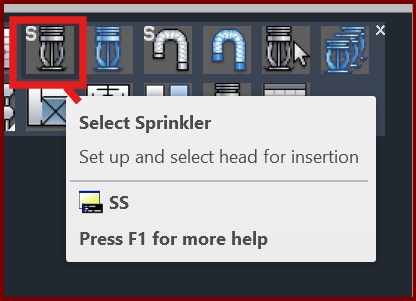
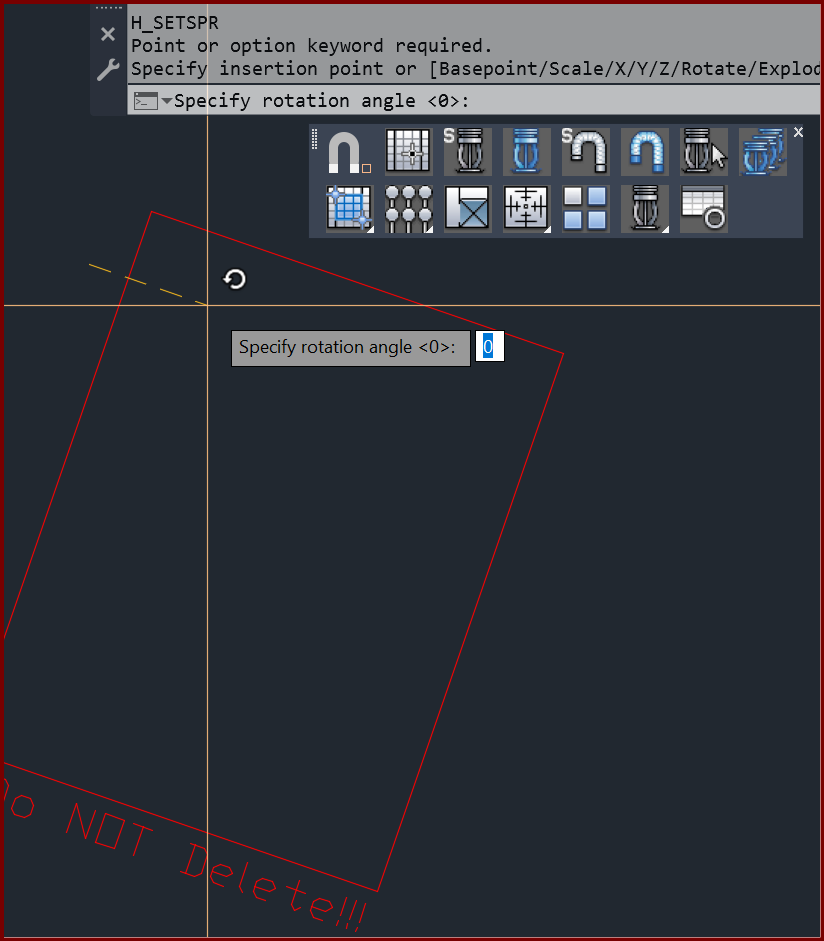
| Card 1435 View | Sprinklers (AutoCAD Based) | Select Sprinkler | None | Point Or Option Keyword Required | When attempting to Select Sprinkler (SS or SSP command), you get the error; Point or option keyword required. Specify insertion point or [Basepoint/Scale/X/Y/Z/Rotate/Explode/REpeat]: Specify rotation angle <0>:
Then your sprinkler definition box will want to be inserted, rotated and each value set individually
|
|
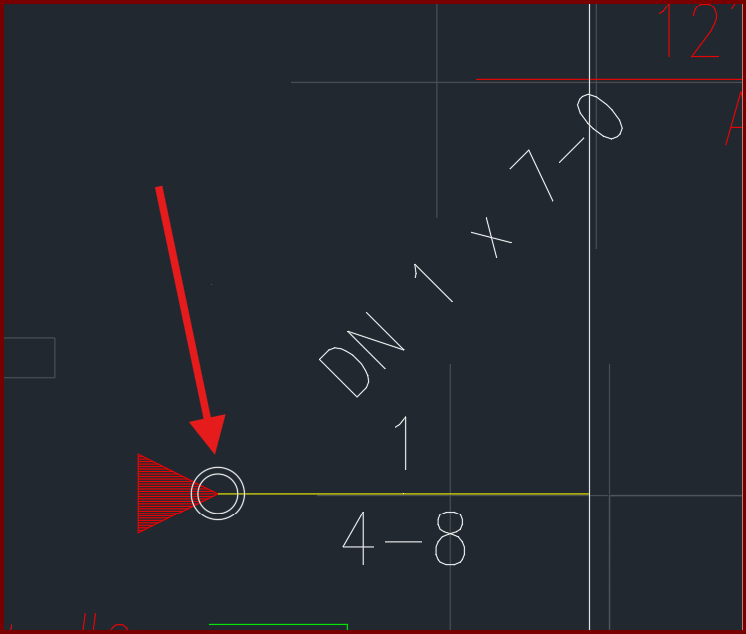
| Card 1434 View | Riser Nipples (AutoCAD Based) | Insert Vertical Pipe | None | None | When inserting a vertical pipe, the circle part of the block remains as a white circle, instead of a red pacman/clamshell.
|
|