Advanced Search
Total results: 1342
* On smaller devices swipe left to view hidden table data
| Ribbon/Toolbar (software) | Button | Function | Error Type | Description | ||
|---|---|---|---|---|---|---|
| Ribbon/Toolbar (software) | Button | Function | Error Type | Description | ||
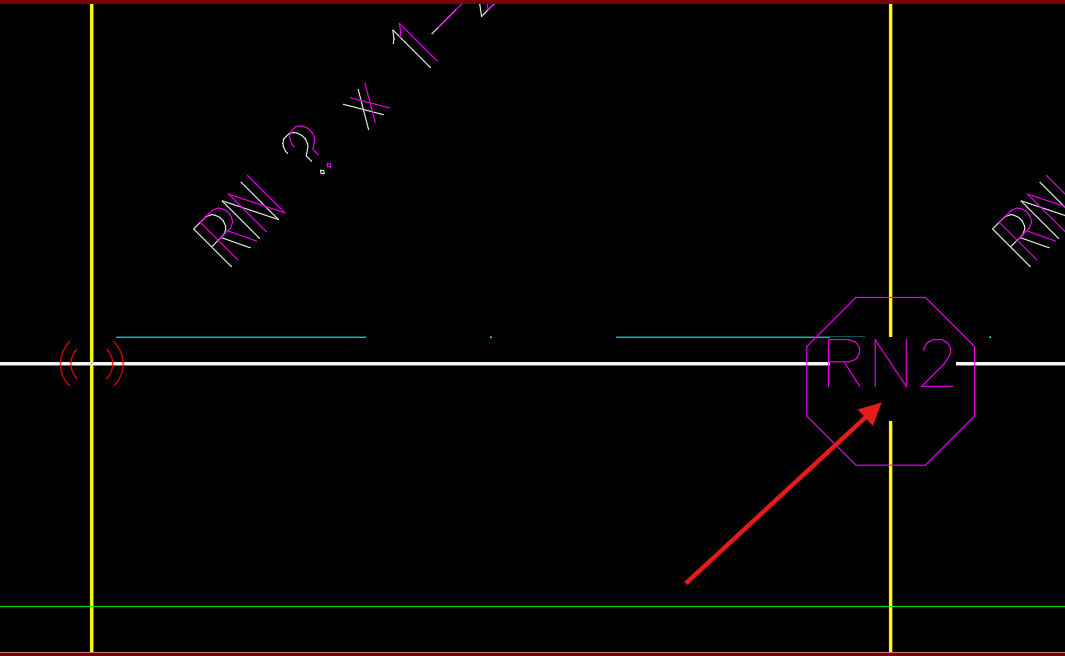
| Card 1397 View | HydraTools (AutoCAD Based) | Wipeout | None | None | Turn off Wipeout frames was selected (WIPEOUTFRAME = 0) but the drawing still has wipeouts
|
|
| Card 1396 View | Listing (AutoCAD Based) | New Tag | None | Invalid Color Number | When inserting a listing tag on a pipe, you get the error, "Invalid color number"
|
|
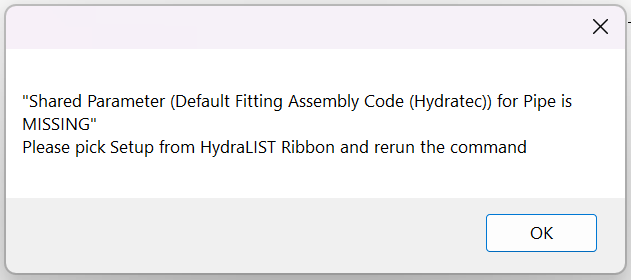
| Card 1439 View | HydraLIST (Revit Based) | Auto Stocklist | None | None | Shared Parameter (Default Fitting Assembly Code (Hydratec)) for Pipe is MISSING
|
|
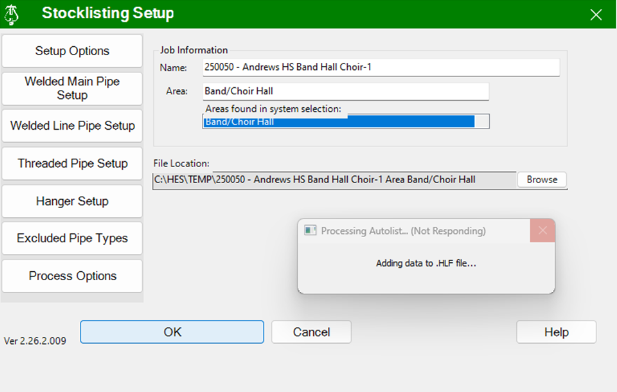
| Card 1447 View | HydraLIST (Revit Based) | Auto Stocklist | None | None | Auto Stocklist hangs / freezes without a stocklist shown, or displays this error:
|
|
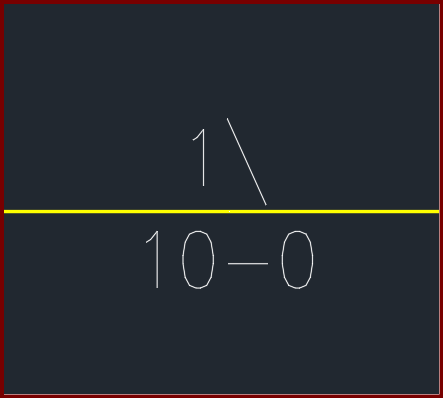
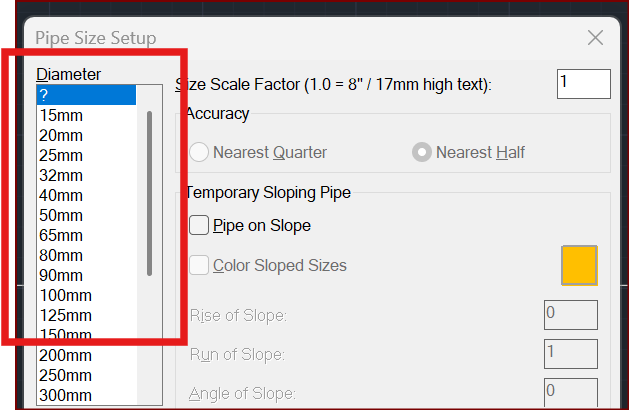
| Card 1431 View | Piping (AutoCAD Based) | Size Pipe Setup | None | None | When trying to size a pipe, the units show up as millimetres/millimeters (mm) instead of inches OR the values for half show up as a backslash
|
|
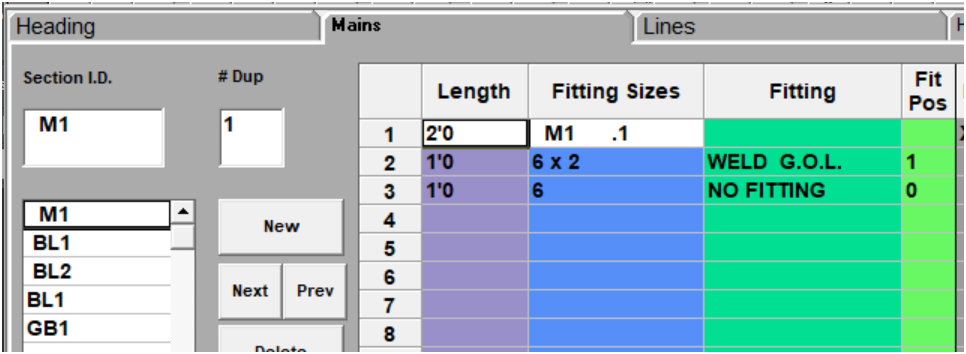
| Card 1446 View | Build 3D Risers (AutoCAD Based) | Insert Fitting Via HydraList | None | None | Trying to insert a fabricated pipe via HydraLIST doesn't show any outlets, ski poles, etc. As shown in HydraLIST;
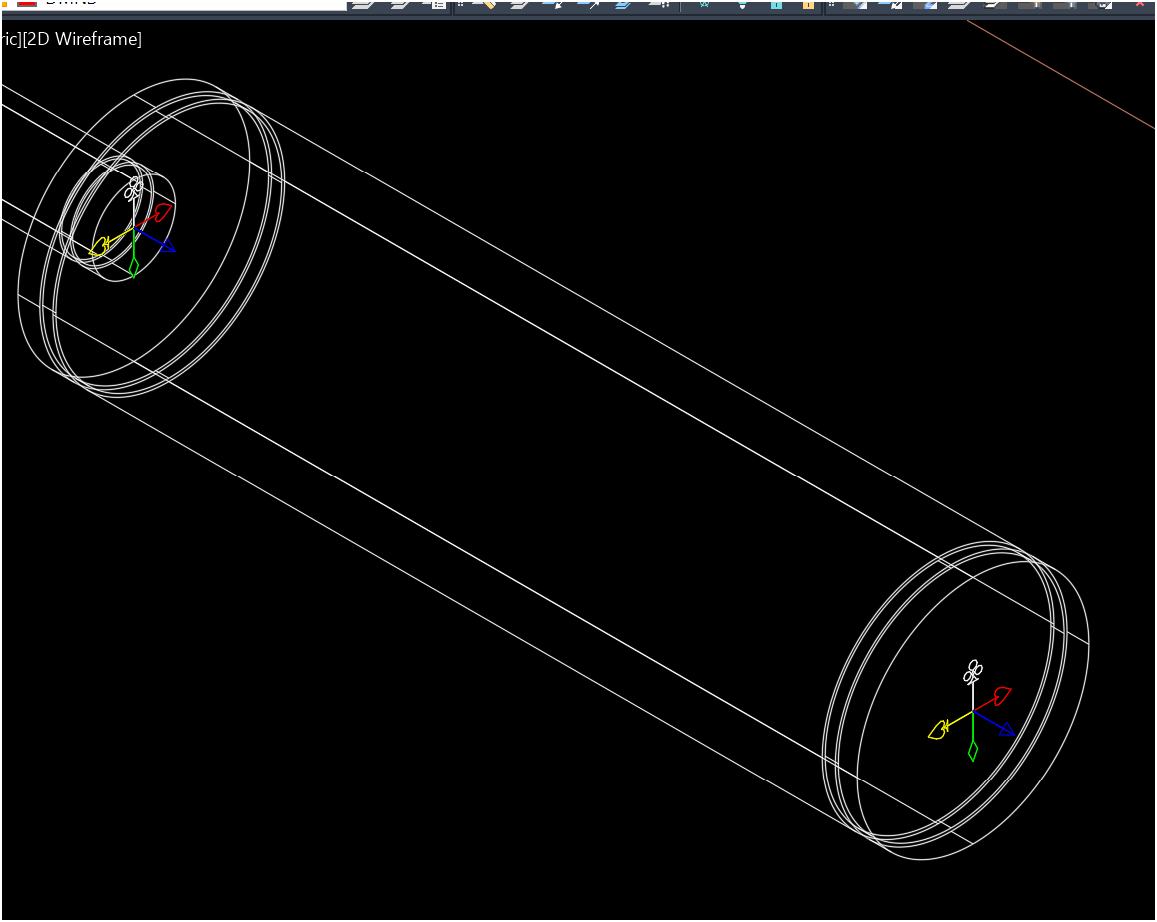
Inserted into HydraCAD;
Note, no GOL is shown. |
|
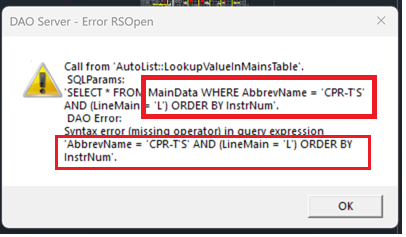
| Card 1445 View | Listing (AutoCAD Based) | Start Autolist | None | Dao Server | When running AutoLIST, partway through you get the error; DAO Server - Error RSOpen Call from AutoList::LookupValueInMainsTable SQLParams
|
|
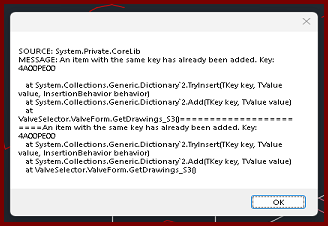
| Card 1444 View | Build 3D Risers (AutoCAD Based) | Insert Via Valve Selector | None | None | When selecting Valve Selector in the 3D Fittings window, you get the error message; SOURCE: System.Private.CoreLib MESSAGE: An item with the same key has already been added. Key:
|
|
| Card 1443 View | HydraLIST (Standalone) | Open | Opening | Runtime Error | Runtime Error 3167. Error message: Record has been deleted |
|
| Card 38 View | HydraCAD (Revit Based) | Spacing and Layout | Opening | Autodesk.Revit.Exceptions.Invalidobjectexception | Using the Sprinkler Spacing and Layout tool: Revit encountered a Autodesk.Revit.Exceptions.InvalidObjectException: The referenced object is not valid, possibly because it has been deleted from the database, or it's creation was undone. |
|