Advanced Search
Total results: 1327
* On smaller devices swipe left to view hidden table data
| Ribbon/Toolbar (software) | Button | Function | Error Type | Description | ||
|---|---|---|---|---|---|---|
| Ribbon/Toolbar (software) | Button | Function | Error Type | Description | ||
| Card 1181 View | HydraLIST (Standalone) | Head Selector | None | Sprinkler Not Properly Configured | While using the 'Choose Part Number' button to open HydraHEAD Selector and retrieive its description and part number, you get the errors below;
Runtime Error 713, Application-defined or object-defined error
|
|
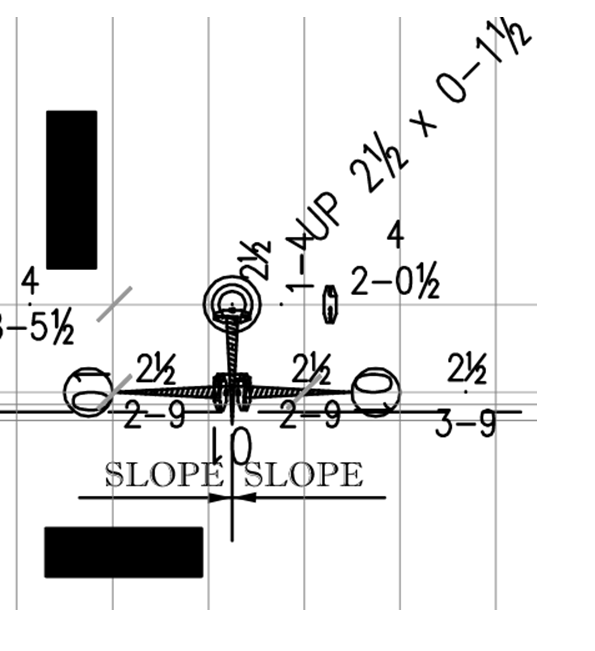
| Card 1407 View | Plot (AutoCAD Based) | Plot | None | None | When plotting to Bluebeam document, some HydraCAD drawing entities show up blacked out. AutoCAD view;
PDF generated by Bluebeam;
|
|
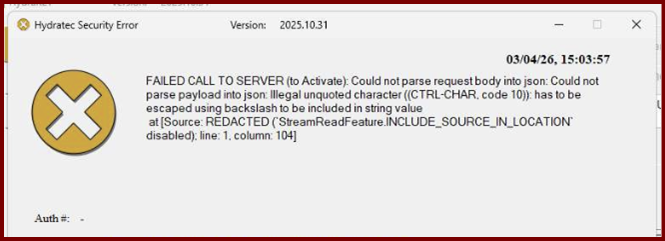
| Card 1450 View | HydraKEY (Security and Licensing) | Add New Authorization | None | None | When claiming an authorization, you get this error;
Hydratec Security Error FAILED CALL TO SERVER (to Activate): Could not parse request body into json: Could not parse payload into json: illegal unquoted character ((CTRL-CHAR, code 10)): has to be escaped using backslash to be included in string value at [Source: REDACTED ('StreamReadFeature.INCLUDE_SOURCE_IN_LOCATION" disabled): line: 1. column: 104] |
|
| Card 649 View | HydraCALC (Standalone) | None | None | Final printout pages in HydraVIEW have data which looks smushed or overlapping or compressed or garbled or jumbled
|
||
| Card 392 View | Couplings (AutoCAD Based) | Insert Couplings | None | None | No error message but cutting in couplings breaks the pipe but does not insert the couplings block. |
|
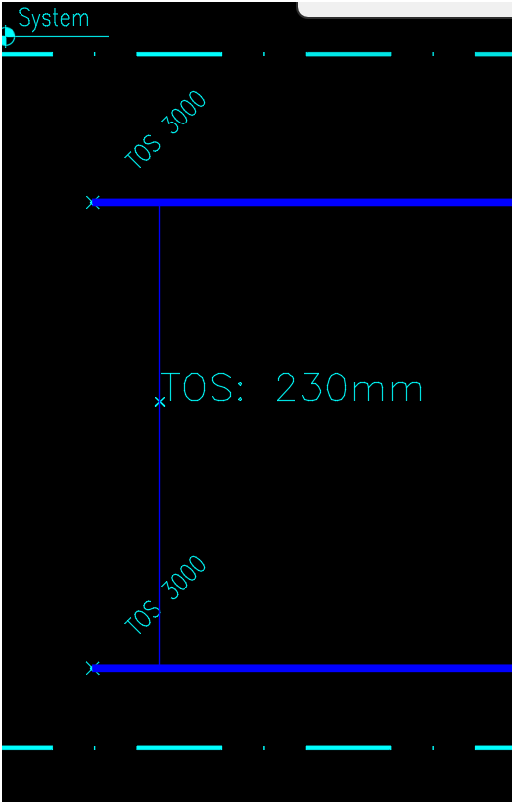
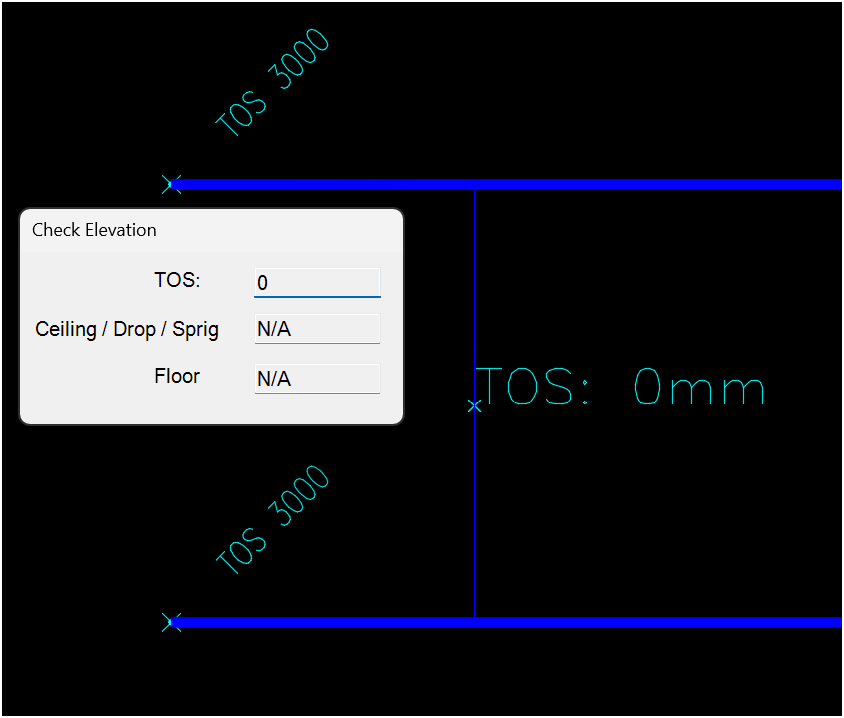
| Card 1449 View | 3D Modeling (AutoCAD Based) | Check Elevation | Ce Command | None | Trying to get an elevation but the results are either 0 or an incorrect value This result should report 3000mm, instead it reports 230mm
This should report 3000mm, not 0mm
|
|
| Card 276 View | 3D Modeling (AutoCAD Based) | Check Elevation | None | None | TOS block looks odd or has unusual insertion point or text is placed far away |
|
| Card 368 View | 3D Modeling (AutoCAD Based) | Check Elevation | None | None | Check Elevation Command > after picking a point Internal error !dbobji.cpp@6861:eNotOpenForWrite and Autocad closes |
|
| Card 1158 View | 3D Modeling (AutoCAD Based) | Check Elevation | None | None | Elevation Check: Bad Defline(s) Corrupt TOS deflines detected Erase and re-insert any deflines with yellow circles at its ends then try again
FATAL ERROR Unhandled Access Violation Reading 0x0000 Exception at 3BC2E053h
|
|
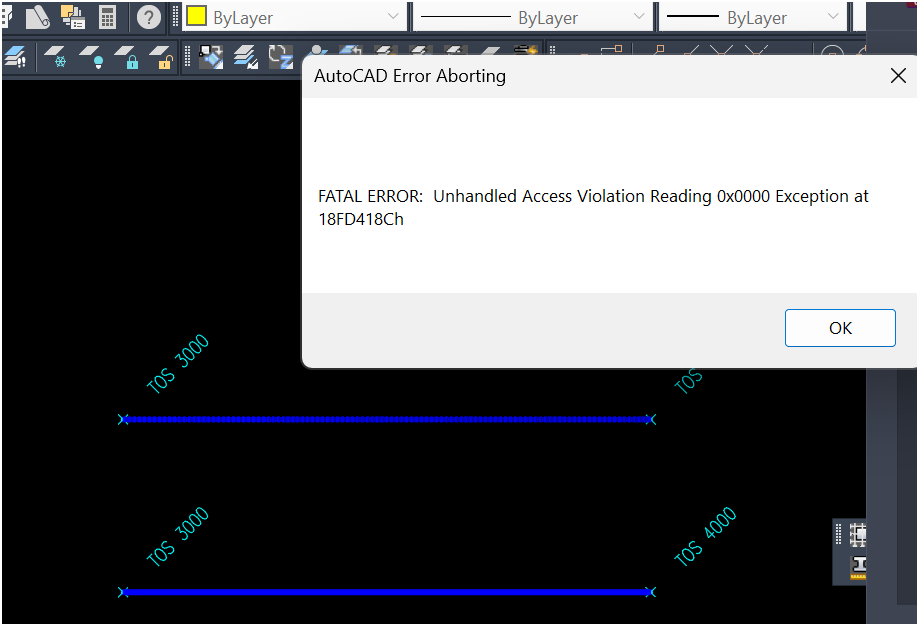
| Card 964 View | 3D Modeling (AutoCAD Based) | Check Elevation | None | Fatal Error | When attempting to use the Check Elevation tool, you get a fatal error
|
|