AutoCAD Based Cards
Total: 732
Page:
* On smaller devices swipe left to view hidden table data
| Ribbon/Toolbar (Software) | Button | Function | Error Type | Description | ||
|---|---|---|---|---|---|---|
| Ribbon/Toolbar (Software) | Button | Function | Error Type | Description | ||
| Card 1462 View | (AutoCAD Based) | None | None | None | HydraCAD for AutoCAD drawing models imported into AutoCAD or Navis do not show Properties for our custom objects: HydraPIPEs, HydraHEADs and HydraFittings on machines without our software. |
|
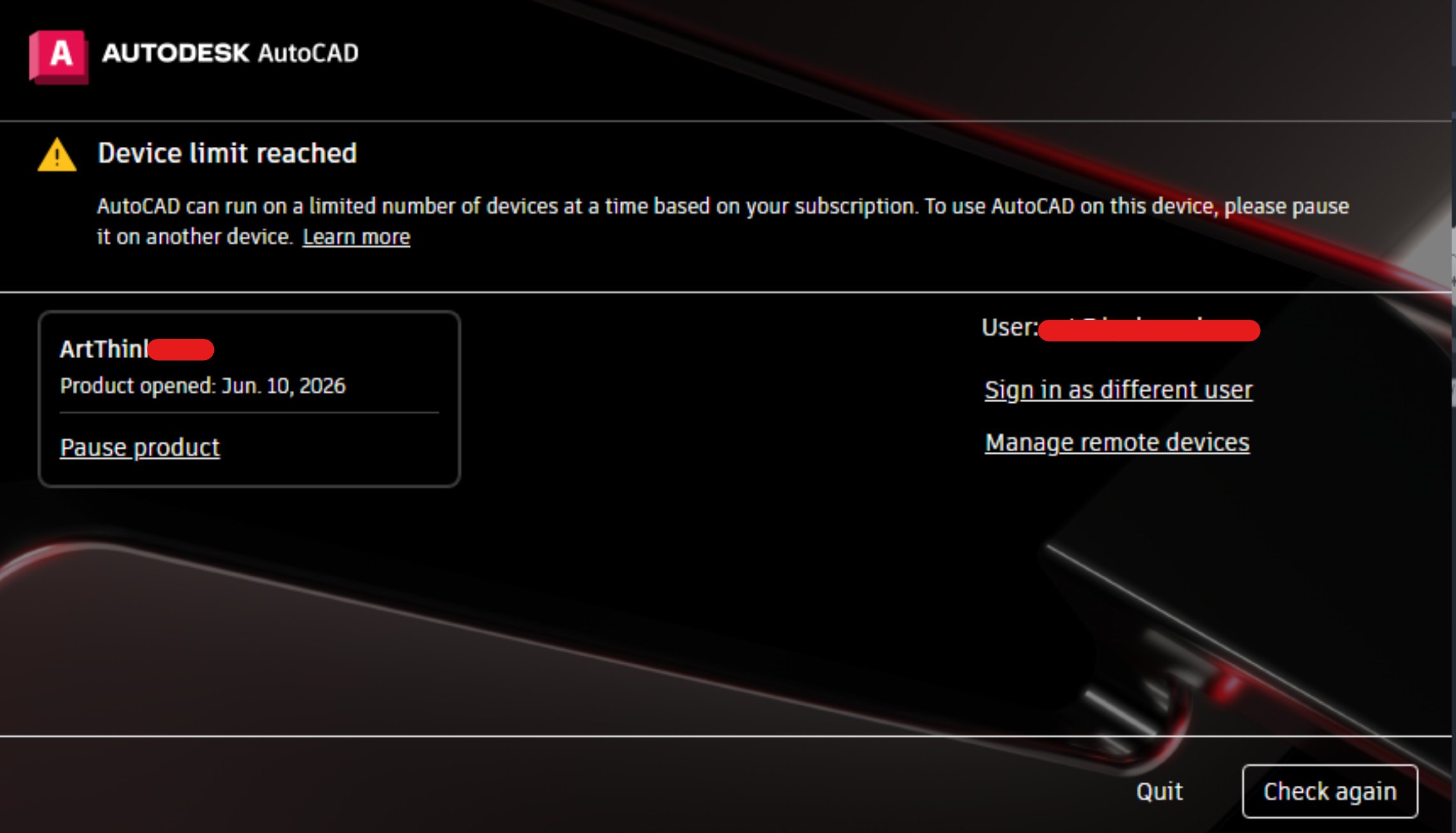
| Card 1459 View | (AutoCAD Based) | None | None | None | Opening AutoCAD/Revit/Navis gives Device limit reached message after opening a drawing or model.
|
|
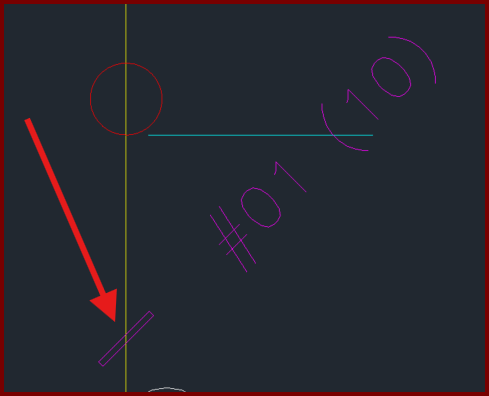
| Card 464 View | (AutoCAD Based) | None | None | None | Polylines and leaders etc. appear to be hollow.
|
|
| Card 124 View | (AutoCAD Based) | None | None | Runtime Error | Runtime Error 53, File Not Found HydexVB.DLL Transfer to HydraCALC |
|
| Card 598 View | (AutoCAD Based) | None | None | Runtime Error | Runtime Error 5 Invalid Procedure Call or Argument |
|
| Card 1312 View | Template (AutoCAD Based) | None | None | Unknown Command | No error occurs but HydraCAD will not properly load and Hcad commands do not work. A quick test is to select the drop menu [File|New], select the template file 'HydraCAD Imperial Default.dwt'. The Drawing Setup window should appear but it does not, it loads straight into a blank drawing. This is what you should see (press F2 to review the text window);
Instead you only see; HCAD_ADS r4 functions Loaded. AutoCAD menu utilities loaded. 3dFitting registry keys found Requires an integer between 0 and 32767. |
|
| Card 1199 View | Steel (AutoCAD Based) | Floor Elevation | Abacus | Unhandled Exception | When clicking the abacus to enter a length, you get this error;
Unhandled exception has occurred in a component in your application. If you click Continue, the application will ignore this error and attempt to continue. Index and length must refer to a location within the string. Parameter name: length
|
|
| Card 1198 View | Steel (AutoCAD Based) | Structure Elevations | Abacus | Unhandled Exception | When clicking the abacus to enter a length, you get this error;
Unhandled exception has occurred in a component in your application. If you click Continue, the application will ignore this error and attempt to continue. Index and length must refer to a location within the string. Parameter name: length
|
|
| Card 263 View | Steel (AutoCAD Based) | Structure Elevations | None | None | when placing a TOS defline and a item is picked to place the Tos defline. If the item has a Z coordinate then this can be assinged the TOS block. the defline will be a 0 but the blocks will be elevated (although it looks normal) this will usually raise once and then the error will occur even if you put a new defline in. tos id missing |
|
| Card 1381 View | Standard (AutoCAD Based) | Grips | None | Slow | Customer reports that when trying to move an object by exposing the grips, the process takes a very long time and almost seems like AutoCAD freezes. "Clicking blocks and dragging by node, doing pipe sizings, etc..." |
|
Page: