AutoCAD Based Cards
Total: 734
* On smaller devices swipe left to view hidden table data
| Ribbon/Toolbar (Software) | Button | Function | Error Type | Description | ||
|---|---|---|---|---|---|---|
| Ribbon/Toolbar (Software) | Button | Function | Error Type | Description | ||
| Card 877 View | Plot (AutoCAD Based) | None | None | None | User created two viewports in a layout tab of a 3D pipe drawn in the 3d_details layer. One of the viewports plotted fine but the other didn't show the pipe at all. AutoCAD view of viewports, note the selected pipe is the same in both drawings;
Post plot, PDF View; note all of the 3D Details pipe is missing from the right viewport
|
|
| Card 444 View | Plot (AutoCAD Based) | None | None | None | possible annotative scale issue. |
|
| Card 489 View | Plot (AutoCAD Based) | None | None | None | bad head definition, in this case Head4 |
|
| Card 1469 View | Piping (AutoCAD Based) | Define Pipe Elevations | None | Unhandled Exception | Error occurs when using some commands. Autodesk has released AutoCAD 2025.1.4 & 2026.1.2 updates which breaks HydraCAD. It includes a major programming change by Autodesk that will require a lot of work and a large update by us. That update is being worked on right now, along with a version of HydraCAD for AutoCAD 2027. All are now affected by essentially the same programming change. BinaryFormatter serialization and deserialization are disabled within this application. See https://aka.ms/binaryformatter for more information. Other commands with this error; Sprinkler Layout dialog (SL command) Default Dialog Location (DDL command) |
|
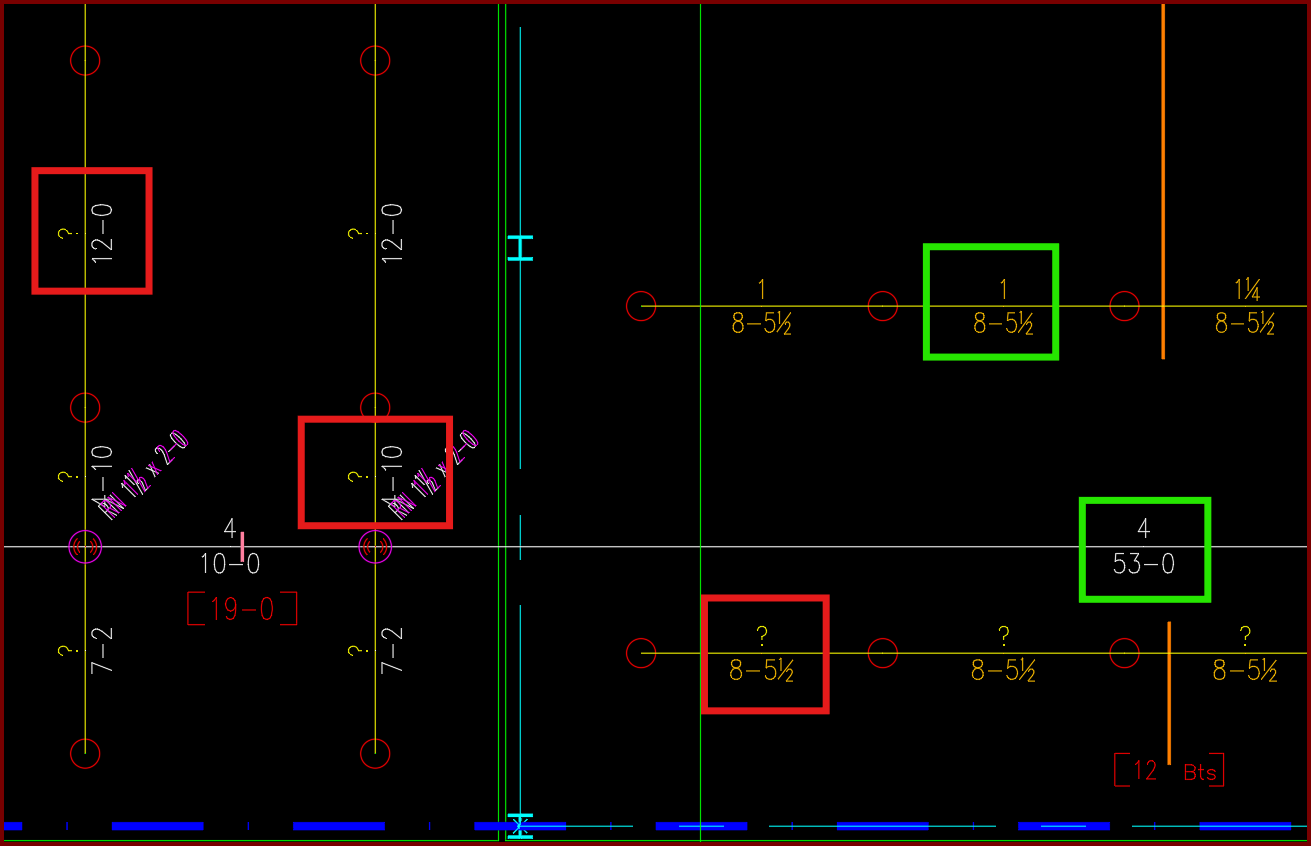
| Card 1440 View | Piping (AutoCAD Based) | Sizing Cleanup Tools | None | Other | Have AutoCAD select a group of pipe dimension blocks with a specific diameter or length. In this example I want to find and delete all diameters with a ?" as its value.
|
|
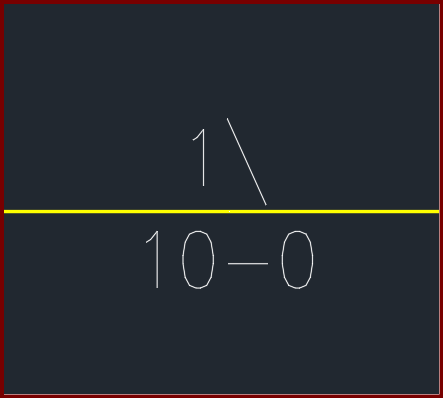
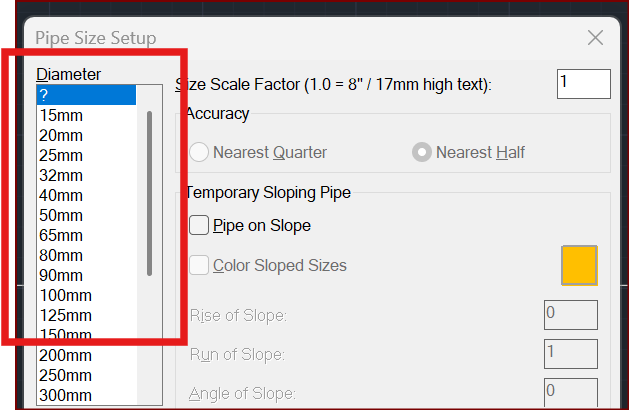
| Card 1431 View | Piping (AutoCAD Based) | Size Pipe Setup | None | None | When trying to size a pipe, the units show up as millimetres/millimeters (mm) instead of inches OR the values for half show up as a backslash
|
|
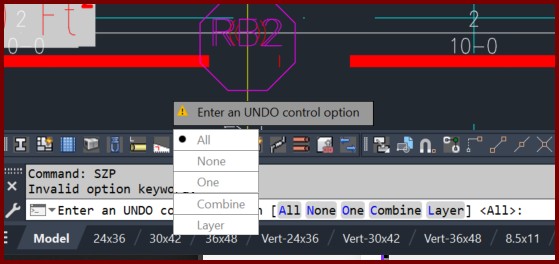
| Card 1410 View | Piping (AutoCAD Based) | Size Pipe Setup | None | None | When attempting to insert a pipe dimension you get the error "Invalid option keyword"
And the command prompt says "Enter an UNDO control option" with the dialog showing your choices |
|
| Card 1394 View | Piping (AutoCAD Based) | Cap | None | None | When attempting to insert a cap, it draws the pipe and dimensions it, but it doesn't insert a cap.
However if you draw a test pipe elsewhere, it successfully inserts the cap for you |
|
| Card 1348 View | Piping (AutoCAD Based) | Manual Cut Lengths | None | Bad Argument | When using Manual Cut Lengths on sprigs, after selecting the sprig text, this error appears: "Error: bad argument type: lselsetp nil" This error can also appear when selecting drops |
|
| Card 1283 View | Piping (AutoCAD Based) | Size Pipe Setup | None | None | A second copy of PIPEX blocks (SPRKDATA layer) appears on the drawing when using NWCOUT
|
|